

Overview
Custom MCP (Model Context Protocol) servers extend what coding agents can do by giving them access to external tools and data sources. Add the MCP server once at the workspace level, define it with a JSON configuration object, reference global environment variables for secrets, and then choose which agents can use it. Configure custom MCP servers at Dashboard → Settings → MCP Servers. MCP servers are workspace-wide and can be enabled or disabled per agent.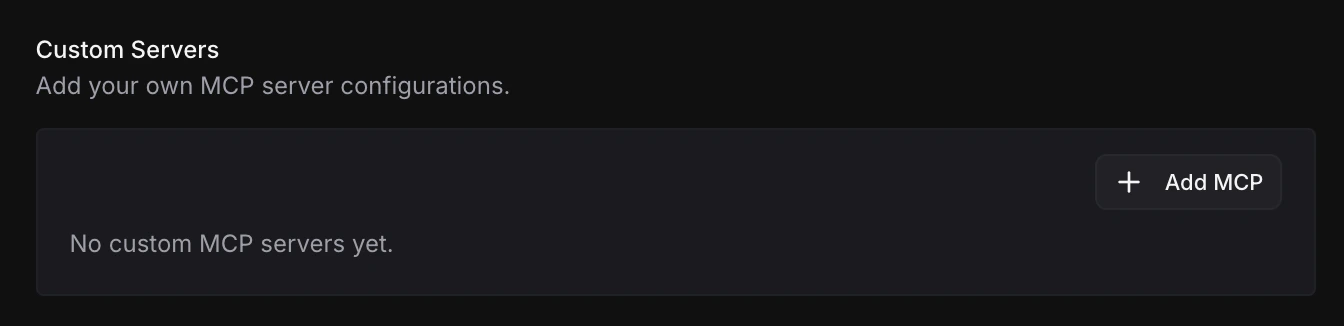
Add a custom MCP server
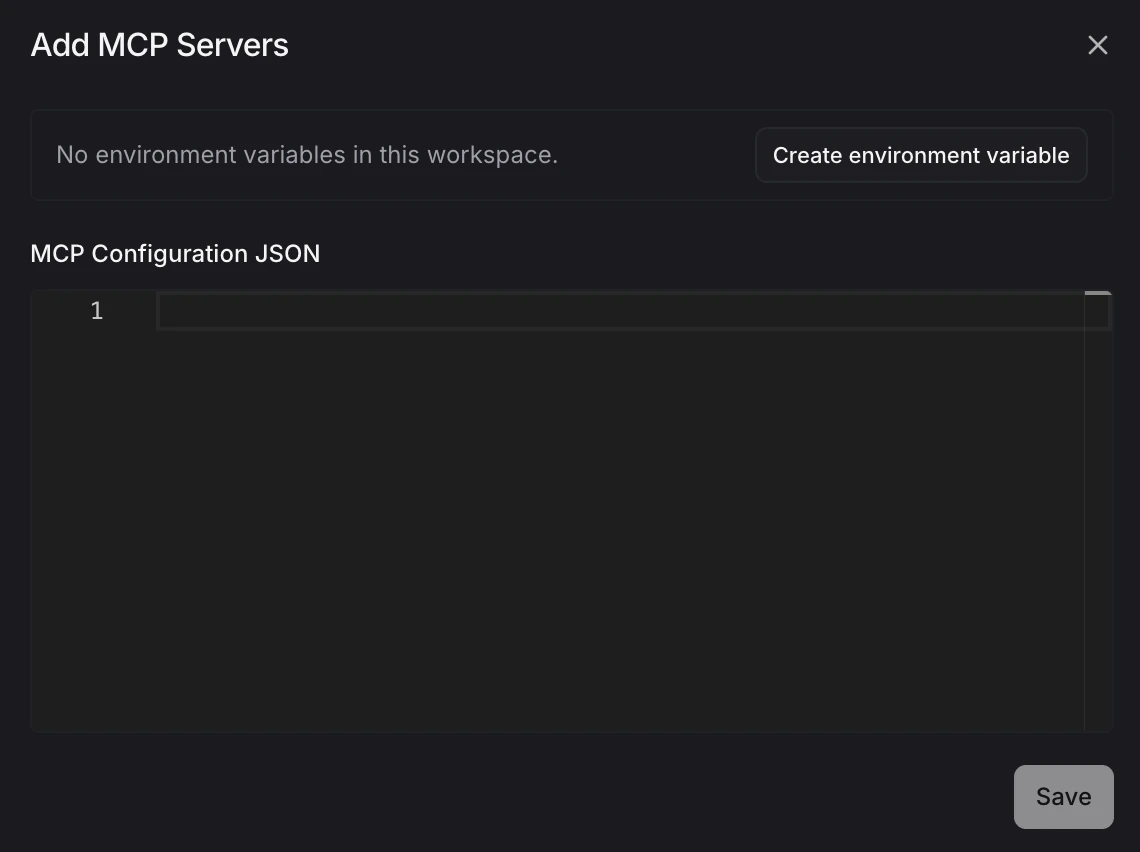
From Settings → MCP Servers, scroll to Custom Servers and click Add MCP. The create dialog includes two parts:- Environment variables — copy
${env:VARIABLE_NAME}references for global secrets you already saved in the workspace. - MCP Configuration JSON — paste the MCP server config that Blocks should run for agents.
Reference environment variables
Use${env:VARIABLE_NAME} in env values anywhere the MCP config needs a secret value. Blocks resolves the value at runtime before starting the MCP server, so the actual secret does not need to be pasted into the JSON.
${env:...} value for you.
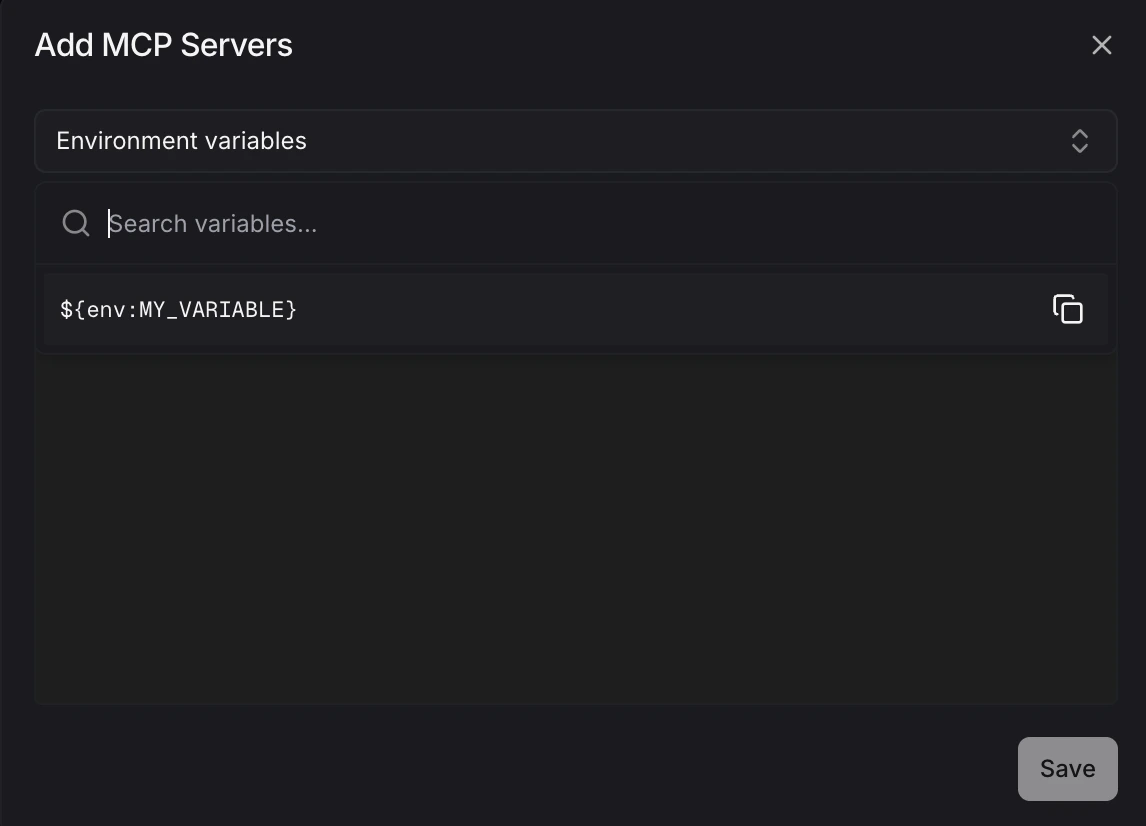
Only global environment variables can be referenced from custom MCP configs. Repository-scoped variables are not available here. Keep secrets in Settings → Environment Variables and reference them from the JSON instead of hardcoding tokens, keys, or connection strings.
Configuration format
Each custom MCP server is defined as a JSON object.
Blocks validates the JSON before saving. If you paste multiple named MCP configs, Blocks detects them and lets you review the generated server names before saving.
Choose agent access
After saving a custom MCP server, open its settings page to edit the JSON configuration and choose which agents can use it. Toggle on the agents that should have access.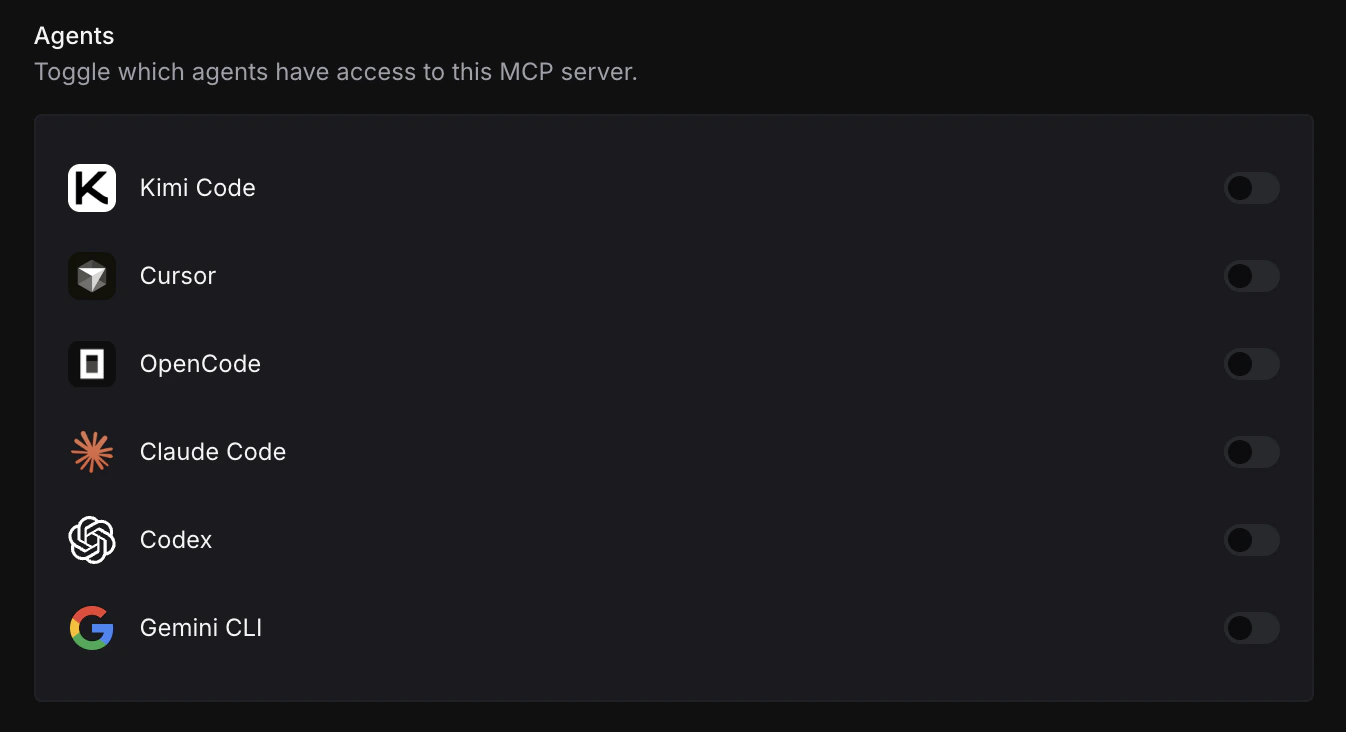
Simple workflow
- Create any needed secrets in Settings → Environment Variables using the Global namespace.
- Go to Settings → MCP Servers and click Add MCP.
- Copy environment variable references from the selector and paste them into the MCP JSON.
- Save the server.
- Open the server settings and enable the agents that should use it.